
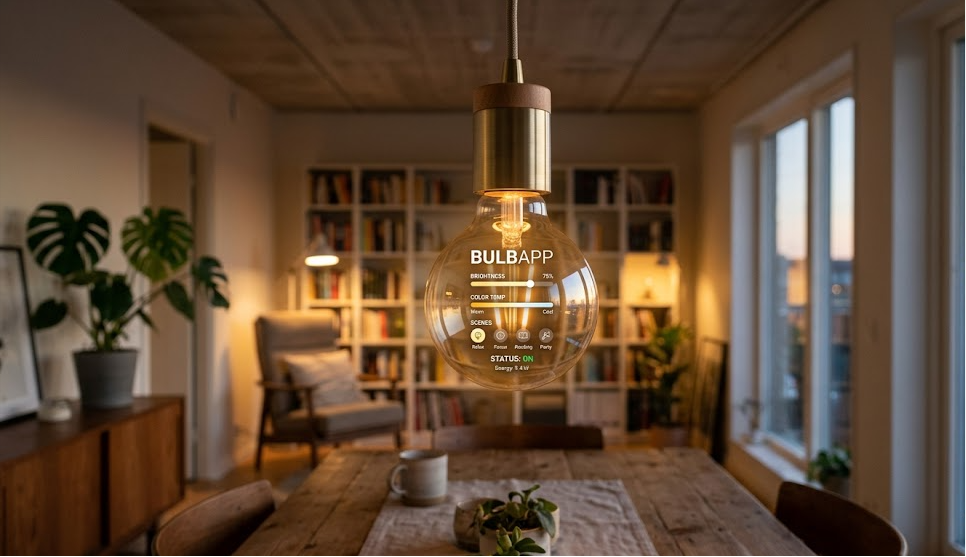
To start using BulbApp, users first need to create an account on the platform. The registration process is simple and does not require advanced technical knowledge. After signing up, users are guided through a dashboard where they can start building their portfolio step by step.
Once inside the platform, users can choose templates or start from a blank page. The interface is designed to be easy to understand, even for beginners. Everything is organized in sections, making it simple to upload and arrange content.
New users usually begin by adding a profile section that includes basic information such as name, education, or profession. After that, they can start uploading projects or work samples.
Creating a Portfolio on BulbApp
Building a portfolio on BulbApp is a straightforward process. Users can create different pages for different types of work, such as school projects, creative work, or professional case studies.
Each portfolio entry can include multiple types of media. For example, a single project can have images, videos, written descriptions, and supporting documents. This helps make the portfolio more interactive and detailed.
The platform also allows users to organize their work chronologically or by category. This makes it easier for viewers to understand the user’s progress and skill development over time.
Key Features of BulbApp
BulbApp comes with several useful features that make it stand out from basic resume tools. One of its main features is multimedia support, which allows users to combine different types of content in one place.
Another important feature is customization. Users can design their portfolio layout based on their needs and preferences. This helps make each portfolio unique and personal.
BulbApp also supports sharing options, meaning users can easily send their portfolio link to teachers, employers, or peers. This removes the need for sending multiple files separately.
Why BulbApp is Useful for Students and Professionals
BulbApp is especially useful in education because it helps students document their learning journey. Instead of only focusing on final grades, students can show their entire process, including drafts, research, and final results.
For professionals, BulbApp acts as a digital showcase of real work experience. Instead of just listing skills on a resume, they can show actual projects and results.
This makes a stronger impression during job applications because employers can see real examples of work rather than just reading about it.
Tips for Better Use of BulbApp
To get the most out of BulbApp, users should focus on keeping their portfolios organized and updated. Adding clear descriptions to each project helps viewers understand the purpose and process behind the work.
It is also important to regularly update the portfolio with new work. This shows continuous growth and improvement over time.
Using a mix of media types, such as images, videos, and text, can make the portfolio more engaging and easier to understand.
Common Mistakes to Avoid
One common mistake users make is uploading too much unorganized content. A portfolio should be clean and structured, not cluttered.
Another mistake is not explaining projects properly. Simply uploading files without descriptions reduces the value of the portfolio.
Users should also avoid ignoring updates. An outdated portfolio may not reflect current skills or achievements.
Conclusion
BulbApp is a powerful and simple platform that helps users create digital portfolios without technical skills. It is widely used in education and professional environments because it allows people to showcase their work in a clear and interactive way.
By using BulbApp effectively, users can present their skills, track their progress, and build a strong online presence. Whether for learning or career growth, it provides a modern way to display achievements in one place.
FAQs
Q1: What is BulbApp used for?
BulbApp is used to create online digital portfolios for education and professional work.
Q2: Is BulbApp free to use?
Yes, it offers free access with basic features for users.
Q3: Can I upload videos on BulbApp?
Yes, users can upload images, videos, and documents.
Q4: Who can use BulbApp?
Students, teachers, and professionals can all use BulbApp for showcasing work.
For More UpdateS Visit: Accurate Unit Convert











Leave a Reply