
Learning how to convert minutes to hours is a basic yet essential skill used in daily life, education, business, travel planning, payroll calculations, and time tracking systems. While minutes and hours are both units of time, they represent different scales, and converting between them accurately prevents costly mistakes and confusion.
Many people struggle when calculating long durations such as work shifts, study hours, or project timelines. This guide is designed to make the process clear, practical, and easy to understand, even if you are not comfortable with math. Whether you are working manually, using Excel, Google Sheets, or an online calculator, this article provides reliable and easy-to-apply methods.
By the end of this guide, you will confidently understand how to convert minutes to hours, apply the formula correctly, and use digital tools efficiently without errors.
What Does It Mean to Convert Minutes to Hours?
Converting minutes to hours means changing a time value expressed in minutes into its equivalent value in hours. Since time measurement follows a fixed standard, this conversion always uses the same rule.
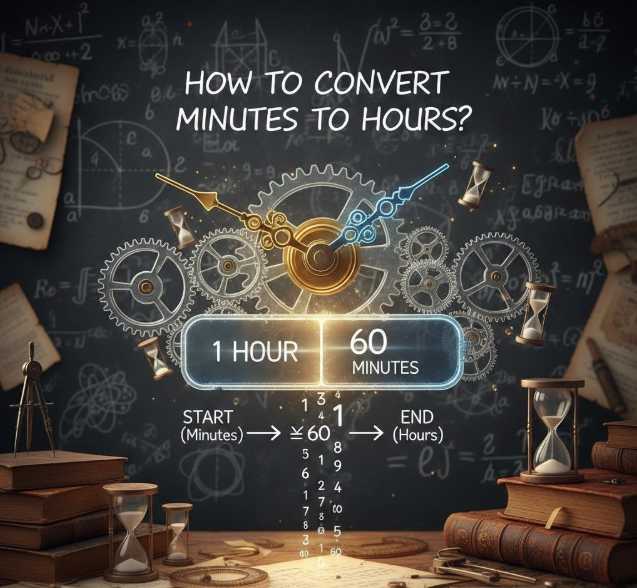
An hour is made up of 60 minutes, which is the foundation of all time conversions between minutes and hours. When you divide the total minutes by 60, you find how many hours those minutes represent.
This conversion is commonly required in:
• Work schedules
• School assignments
• Fitness tracking
• Payroll systems
• Project management tools
Understanding this concept ensures accuracy when interpreting time durations in professional and personal settings.
Key Concepts Behind Minute-to-Hour Conversion
• Time is a fixed measurement system, so conversions are universal
• Minutes are a smaller unit than hours
• Division is the core operation used
• Results may include decimals
• Decimal hours represent partial hours
• Conversion improves clarity in reporting and planning
The Basic Formula to Convert Minutes to Hours
The most reliable method to convert minutes to hours is by using a simple mathematical formula. This formula works for all values and is universally accepted.
Minutes to Hours Formula Explained
Hours = Minutes ÷ 60
This formula divides the total number of minutes by 60 because one hour contains exactly 60 minutes. The result may be a whole number or a decimal depending on the input.
For example, dividing 120 minutes by 60 gives 2 hours, while dividing 90 minutes by 60 gives 1.5 hours.
Why This Formula Always Works
• Time standards are internationally fixed
• The base-60 system ensures consistency
• Division evenly distributes minutes into hours
• Decimal results represent partial hours accurately
• It applies to both small and large values
• No rounding is required unless specified
How to Convert Minutes to Hours Manually (With Examples
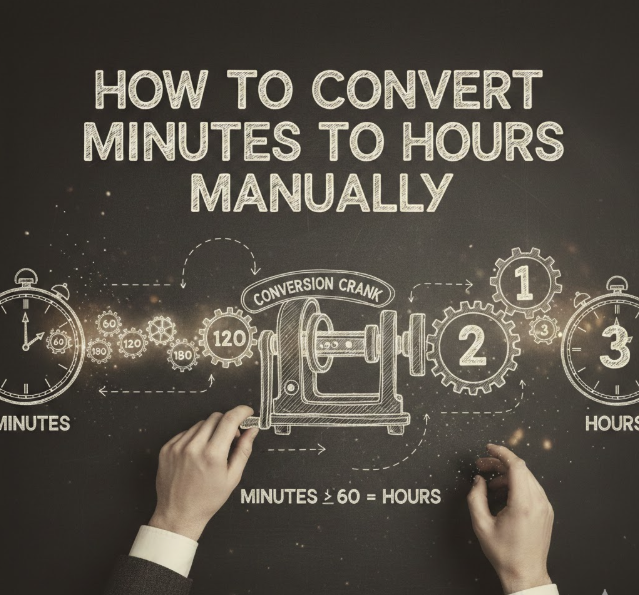
Manual conversion is useful when calculators or digital tools are unavailable. It also helps build a stronger understanding of time calculations.
Step-by-Step Manual Conversion Process
• Identify the total minutes
• Divide the number by 60
• Separate whole hours from decimals
• Convert decimals into minutes if needed
• Double-check calculations
• Present results clearly
Practical Examples
• 150 minutes ÷ 60 = 2.5 hours
• 45 minutes ÷ 60 = 0.75 hours
• 200 minutes ÷ 60 = 3.33 hours (rounded)
Manual calculations are ideal for exams, interviews, or quick estimates when digital tools are unavailable.
Common Mistakes When Converting Minutes to Hours
Despite the simplicity of the formula, errors are common when converting minutes to hours, especially in professional environments.
Frequent Errors to Avoid
• Dividing by the wrong number
• Confusing decimal hours with minutes
• Rounding too early
• Forgetting partial hours
• Using inconsistent formats
• Misinterpreting calculator results
Understanding these mistakes helps ensure accurate time tracking and prevents reporting errors in work or academic settings.
Also Read:- How to Convert 14 cm to Inches: The Exact Measurement
How to Convert Minutes to Hours in Excel
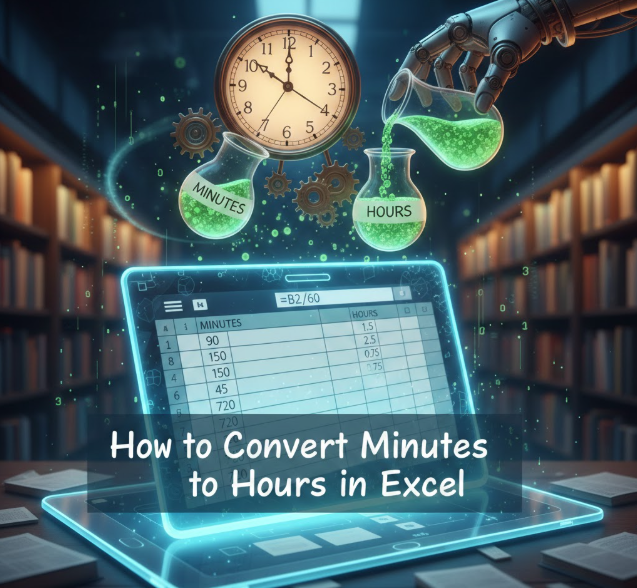
Excel is widely used for time calculations in offices, businesses, and educational environments. Knowing how to convert minutes to hours in Excel can significantly improve productivity.
Excel Formula for Minute-to-Hour Conversion
If your minutes are in cell A1, use:
=A1/60
This formula instantly converts minutes into hours.
Best Practices for Excel Time Conversion
• Use numeric cells for minutes
• Format results as numbers
• Avoid time format unless needed
• Use decimals for accuracy
• Lock formulas for large datasets
• Apply rounding only if required
Excel allows you to convert thousands of time entries quickly with consistent accuracy.
Also Read:- How to Convert Hex to Binary Explained Simply
How to Convert Minutes to Hours in Excel (Advanced Formatting)

Advanced Excel users may want to display results in hours and minutes instead of decimals.
Displaying Hours and Minutes Together
• Divide minutes by 1440 for time formatting
• Use custom time formats
• Apply [h]:mm format
• Prevent automatic rounding
• Ensure data consistency
• Validate results manually
This method is ideal for payroll systems and time-tracking spreadsheets.
Also Read:- How to Convert 56 cm to Inches in Seconds
Convert Minutes to Hours in Google Sheets
Google Sheets offers similar functionality to Excel but works online and supports collaboration.
Google Sheets Formula for Conversion
If minutes are in cell A1, use:
=A1/60
The result updates instantly and syncs across devices.
Benefits of Using Google Sheets
• Cloud-based access
• Real-time collaboration
• Automatic saving
• Formula consistency
• Easy sharing
• Cross-platform compatibility
Google Sheets is ideal for teams and remote work environments.
Also Read:- How to Convert Acres to Square Feet – Complete Step-by-Step Guide
Convert Minutes to Hours Calculator (Online Tools)
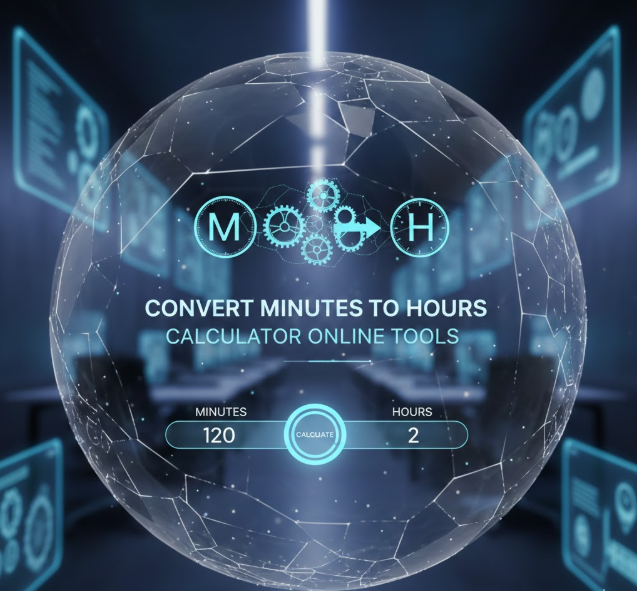
Online calculators provide instant results without manual effort. These tools are ideal for quick conversions.
Why Use an Online Converter?
• No formula knowledge required
• Instant results
• Mobile-friendly
• Error-free calculations
• Suitable for all users
• Time-saving
While calculators are convenient, understanding the logic behind conversions ensures accuracy when results matter.
Also Read:- How to Convert ML to Cups (Complete Step-by-Step Guide)
Real-World Applications of Minute-to-Hour Conversion
Minute-to-hour conversion is not just academic; it plays a vital role in real-world scenarios.
Where This Skill Is Commonly Used
• Employee payroll calculations
• Fitness tracking apps
• Academic time logging
• Travel planning
• Project management
• Medical and research timing
Accurate time conversion supports transparency, fairness, and efficiency in professional environments.
Frequently Asked Questions (FAQs)
How many hours are in 30 minutes?
30 minutes equals 0.5 hours when divided by 60.
Is 90 minutes equal to 1.5 hours?
Yes, dividing 90 by 60 gives 1.5 hours.
Why do decimal hours confuse people?
Decimal hours represent partial hours, not minutes, which often leads to misinterpretation.
Can Excel automatically convert minutes to hours?
Yes, using a simple division formula or time formatting.
Is manual conversion better than calculators?
Manual conversion improves understanding, while calculators save time.
Are online converters accurate?
Yes, as long as they use the standard 60-minute rule.
Conclusion: Mastering How to Convert Minutes to Hours
Understanding how to convert minutes to hours is a fundamental skill that improves accuracy in time management, reporting, and planning. Whether you perform the calculation manually, use Excel, Google Sheets, or an online calculator, the core principle remains the same—divide by 60.
By mastering this conversion, you eliminate confusion, prevent errors, and gain confidence in handling time-based data across academic, professional, and personal tasks. This guide provides everything you need to convert minutes to hours correctly, efficiently, and confidently.
For More Visit Accurate Unit Convert











Leave a Reply