
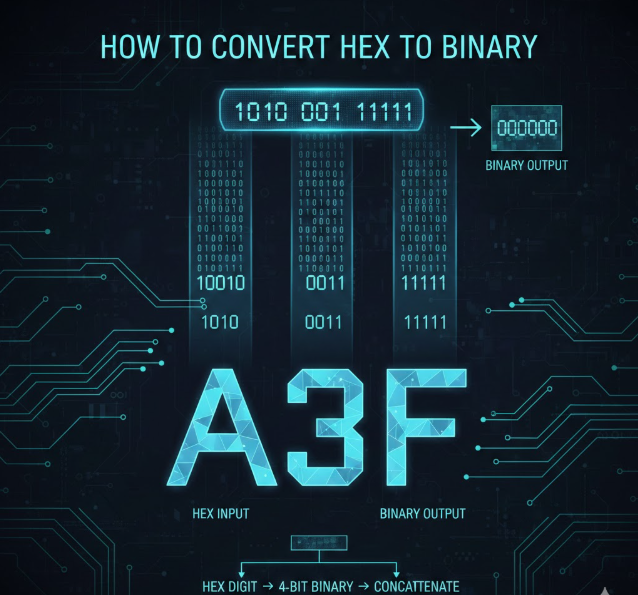
Understanding how to convert hex to binary is a fundamental skill in computer science, programming, networking, and digital electronics. Hexadecimal (base-16) and binary (base-2) are two number systems widely used by computers to store, process, and transmit data efficiently.
Binary is the language of machines, while hexadecimal is a human-friendly shorthand that makes binary values easier to read, write, and debug. Learning how to convert hex to binary allows you to move seamlessly between these two systems without confusion or errors.
In this comprehensive guide, you’ll learn the meaning, logic, steps, rules, tables, real-world uses, examples, and common mistakes involved in hexadecimal to binary conversion. This article is designed for beginners, students, developers, and IT professionals who want both clarity and depth.
What Is Hexadecimal Number System?
The hexadecimal number system is a base-16 numbering system used extensively in computing to represent large binary values in a compact and readable format.
Definition of Hexadecimal
Hexadecimal uses 16 symbols: numbers from 0 to 9 and letters from A to F. Each hexadecimal digit represents four binary bits, making conversion efficient and systematic.
Key Characteristics of Hexadecimal
• Hexadecimal is base-16, meaning it uses powers of 16
• It includes digits 0–9 and letters A–F
• Each hex digit maps exactly to 4 binary digits
• It reduces long binary strings into shorter values
• It is commonly used in memory addresses and color codes
• It improves readability for programmers and engineers
Why Hexadecimal Exists
• Binary values become extremely long and unreadable
• Hexadecimal compresses binary without losing meaning
• Debugging becomes faster and less error-prone
• Memory addresses are easier to track
• Data representation becomes more structured
• Communication between humans and machines improves
What Is Binary Number System?
The binary number system is the foundation of all digital computing systems, using only two digits: 0 and 1.
Definition of Binary
Binary is a base-2 number system where each digit represents a power of 2. Computers use binary because electronic circuits can easily represent two states: on and off.
Core Properties of Binary
• Binary uses only 0 and 1
• Each position represents powers of 2
• It is the native language of computers
• All data is stored as binary internally
• It enables logical operations and calculations
• It ensures reliability in digital systems
Why Computers Use Binary
• Electronic circuits operate in two states
• Binary reduces ambiguity in data storage
• Error detection becomes easier
• Hardware design is simpler
• Data processing becomes faster
• Logical operations are more stable
Also Read:- How to Convert 56 cm to Inches in Seconds
Why Learn How to Convert Hex to Binary?

Knowing how to convert hex to binary is essential for understanding how computers actually work behind the scenes.
Practical Importance
• Helps in low-level programming and debugging
• Required for networking and IP addressing
• Essential for cybersecurity and encryption
• Useful in embedded systems development
• Important for hardware and firmware engineers
• Improves understanding of memory and storage
Professional Advantages
• Enhances programming accuracy
• Improves problem-solving skills
• Reduces debugging time
• Builds strong computer science foundations
• Helps in exams and certifications
• Increases technical confidence
Also Read:- How to Convert Acres to Square Feet – Complete Step-by-Step Guide
Hexadecimal to Binary Conversion Table
Before learning how to convert hex to binary manually, understanding the standard conversion table is crucial.
Hex to Binary Mapping Table
Each hexadecimal digit corresponds to exactly four binary digits.
| Hex | Binary |
|---|---|
| 0 | 0000 |
| 1 | 0001 |
| 2 | 0010 |
| 3 | 0011 |
| 4 | 0100 |
| 5 | 0101 |
| 6 | 0110 |
| 7 | 0111 |
| 8 | 1000 |
| 9 | 1001 |
| A | 1010 |
| B | 1011 |
| C | 1100 |
| D | 1101 |
| E | 1110 |
| F | 1111 |
Why This Table Matters
• Ensures fast and accurate conversion
• Eliminates need for complex calculations
• Reduces conversion errors
• Makes learning easier for beginners
• Used universally in computing
• Saves time in real-world tasks
How to Convert Hex to Binary Step by Step
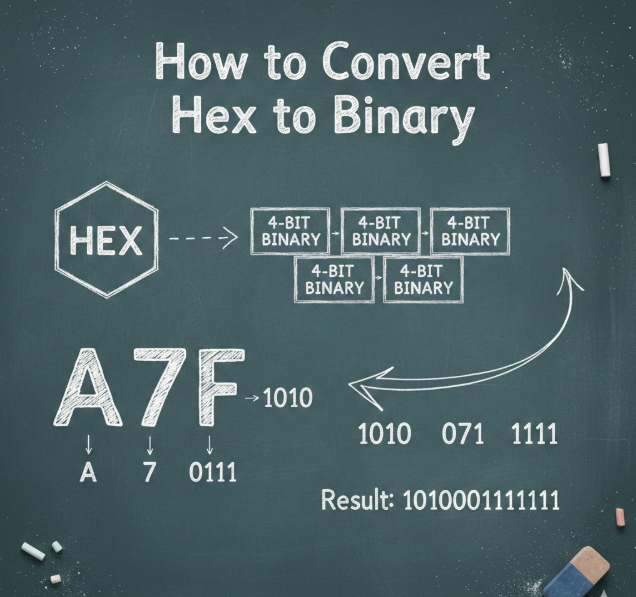
This is the core section where you’ll learn how to convert hex to binary correctly every time.
Step-by-Step Method Explained
Hex to binary conversion involves replacing each hex digit with its 4-bit binary equivalent.
Conversion Steps
• Write down the hexadecimal number
• Break it into individual hex digits
• Convert each digit using the table
• Keep the binary groups in the same order
• Combine all binary groups together
• Verify the final binary output
Example Conversion
Hex number: 2F4
• 2 → 0010
• F → 1111
• 4 → 0100
Final Binary: 001011110100
Detailed Example with Explanation
Understanding examples deeply helps reinforce the concept.
Example: Convert A9 to Binary
• A corresponds to 1010
• 9 corresponds to 1001
• Combine results sequentially
Binary Output: 10101001
Why This Works
• Each hex digit equals 4 binary bits
• No carry-over calculations needed
• Order of digits remains unchanged
• Accuracy is guaranteed
• Efficient for large numbers
• Used in professional computing
Also Read:- How to Convert ML to Cups (Complete Step-by-Step Guide)
Common Mistakes When Converting Hex to Binary
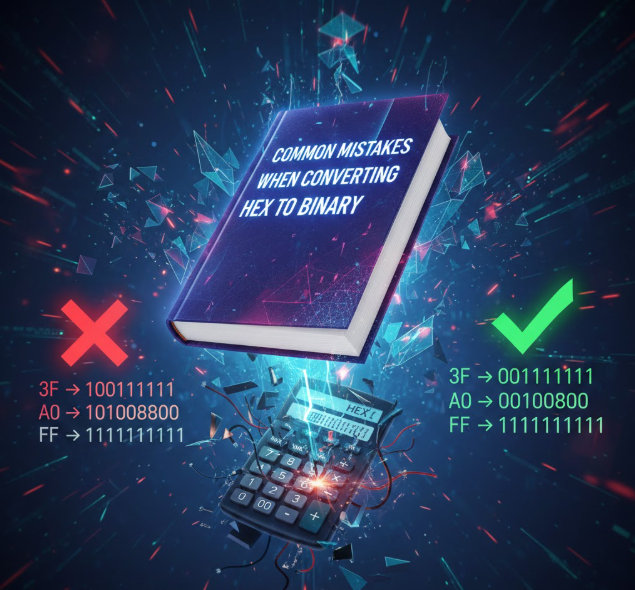
Avoiding errors is just as important as learning the method.
Frequent Errors
• Mixing decimal and hexadecimal values
• Forgetting leading zeros
• Reversing binary digit order
• Incorrect letter-to-binary mapping
• Skipping binary groups
• Using decimal logic incorrectly
How to Avoid Mistakes
• Always use the conversion table
• Convert one digit at a time
• Maintain correct digit order
• Double-check letter values
• Practice with multiple examples
• Use validation tools when learning
Also Read:- How to Convert Binary to Decimal – Complete Beginner to Advanced Guide
Manual vs Automatic Hex to Binary Conversion
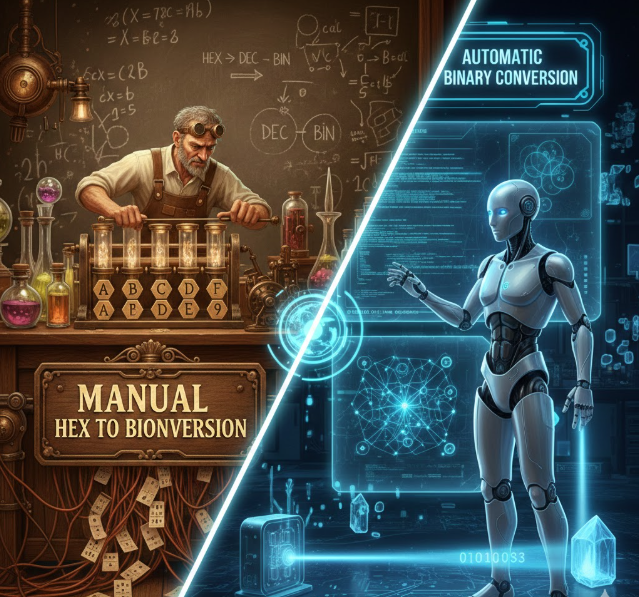
Understanding both methods helps in exams and professional work.
Manual Conversion
• Builds conceptual understanding
• Useful for exams and interviews
• Improves number system skills
• No tools required
• Enhances logical thinking
• Ideal for beginners
Automatic Conversion Tools
• Faster for large values
• Reduces human error
• Used in real-world projects
• Ideal for professionals
• Saves time
• Easily accessible online
Also Read:- How Many Centimeters in an Inch? Exact Answer & Examples
Real-World Applications of Hex to Binary Conversion

Hexadecimal to binary conversion is used across many technical fields.
Practical Use Cases
• Memory addressing in computers
• Color representation in web design
• Network packet analysis
• Assembly language programming
• Firmware development
• Data encoding and decoding
Also Read:- How to Convert cm to Inche – Simple Formula & Examples
Frequently Asked Questions (FAQs)
Is hex to binary conversion difficult?
No, it is simple once you memorize the conversion table and follow step-by-step logic.
Why does one hex digit equal four binary digits?
Because 16 equals 2⁴, making a perfect mapping between hex and binary.
Can I convert binary back to hex?
Yes, by grouping binary digits into sets of four and converting back.
Is hex faster than binary?
Hex is easier for humans to read, while binary is used internally by computers.
Do programmers still use hex today?
Yes, especially in memory addresses, debugging, and system-level programming.
Conclusion: Mastering How to Convert Hex to Binary
Learning how to convert hex to binary is an essential skill for anyone working with computers, programming, or digital systems. By understanding the logic, using the conversion table, practicing examples, and avoiding common mistakes, you can master this concept with confidence.
This guide provides everything you need—from theory to real-world applications—ensuring long-term understanding and practical usability. Whether you are a student, developer, or tech enthusiast, mastering hexadecimal to binary conversion strengthens your foundation in computer science.
For More Visit Accurate Unit Convert














Leave a Reply