
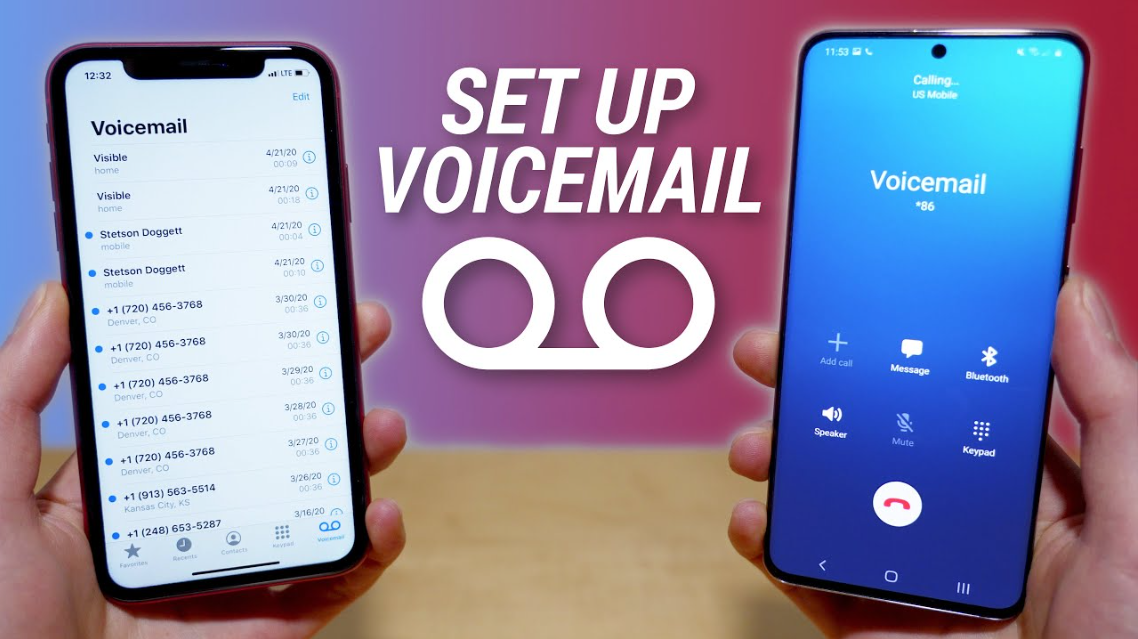
Voicemail remains one of the most essential communication tools, even in today’s fast-paced digital world. Whether you miss a call during work, travel, or simply cannot answer your phone, voicemail ensures you never lose important messages. If you’re wondering how to set up voicemail, this comprehensive guide walks you through everything you need to know—from basic setup to device-specific instructions and troubleshooting tips.
By the end of this article, you’ll confidently know how to set up voicemail on iPhone, Android, Samsung devices, Verizon networks, and even Cisco office phones. Let’s dive in.
Why Voicemail Still Matters in 2026
Although messaging apps and emails dominate communication, voicemail still plays a critical role in both personal and professional settings. According to telecommunications reports, over 60% of business callers still prefer leaving voicemail when calls go unanswered.
Voicemail offers reliability, accessibility, and a personal touch that text-based communication often lacks. It allows callers to explain their message clearly, making it especially useful for urgent or detailed communication.
How Voicemail Works
Before learning how to set up voicemail, it helps to understand how it works. Voicemail is a service provided by your mobile carrier or phone system that records audio messages when you are unavailable.
When someone calls you and you don’t answer, the call is redirected to your voicemail system. The caller hears a greeting and can leave a recorded message. You can later access this message via your phone or a dedicated voicemail app.
How to Set Up Voicemail on iPhone
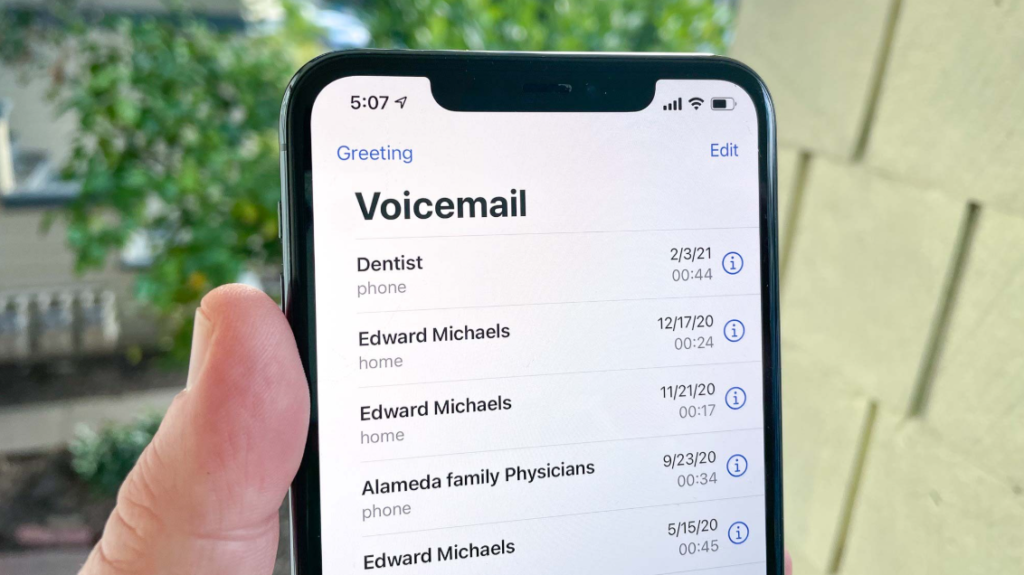
Setting up voicemail on an iPhone is straightforward and takes only a few minutes.
Initial Setup Process
To begin, open the Phone app and tap the Voicemail tab at the bottom right. If this is your first time, you’ll see an option to set up voicemail. Tap it and create a voicemail password when prompted.
After setting your password, choose a greeting. You can either use the default greeting or record a custom one. Recording a personalized message adds professionalism and clarity.
Recording a Custom Greeting
Tap “Custom” and then “Record.” Speak clearly and include your name so callers know they’ve reached the right person. Once finished, save the greeting.
Visual Voicemail Features
Modern iPhones offer Visual Voicemail, which displays messages in a list format. This allows you to listen, delete, or share messages easily without dialing into your mailbox.
Also Read:- How to Repair Drywall: A Complete Beginner-Friendly Guide
How to Set Up Voicemail on Android
Android devices vary slightly depending on the manufacturer, but the general process remains consistent.
Basic Setup Steps
Open the Phone app and press and hold the number “1” on the keypad. This usually connects you to your voicemail service. Follow the voice prompts to create a password and record your greeting.
Using Voicemail Settings
Some Android phones allow you to access voicemail settings directly through the Phone app. Navigate to Settings, then Voicemail, and configure your preferences.
Visual Voicemail on Android
Many Android devices now support Visual Voicemail through carrier apps or built-in features. This provides a more user-friendly interface similar to iPhone.
Also Read:- How to Look Younger: Simple, Natural Ways to Stay Youthful
How to Set Up Voicemail on Samsung Devices
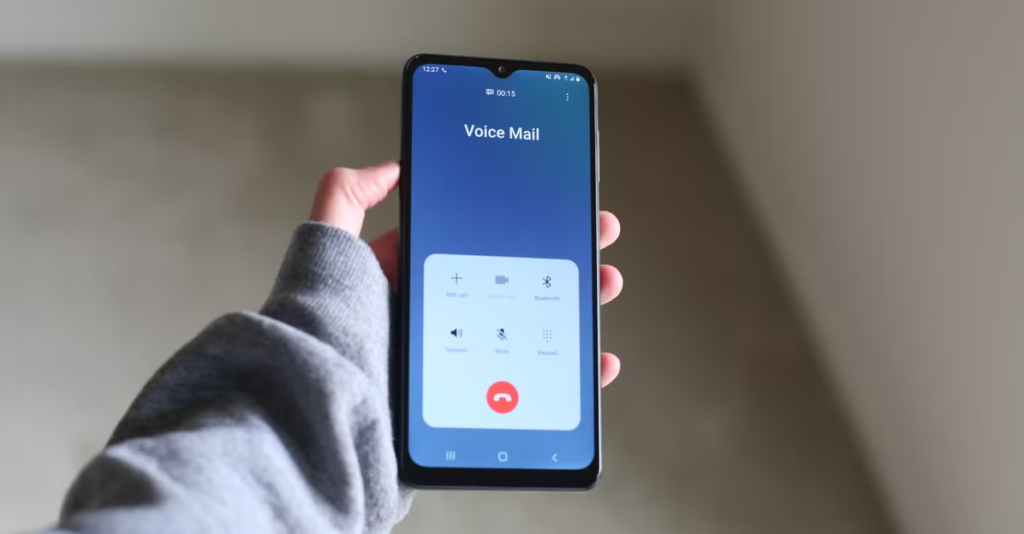
Samsung phones, being a popular subset of Android devices, have their own slightly refined process.
Step-by-Step Setup
Open the Phone app and tap the keypad. Press and hold “1” to call your voicemail. Follow the instructions to set a PIN and record your greeting.
Samsung Visual Voicemail
Samsung often includes a Visual Voicemail app pre-installed. Open the app, accept permissions, and follow the setup instructions. This allows you to read transcriptions and manage messages more efficiently.
Customization Options
Samsung devices provide additional customization, such as greeting length, notification preferences, and voicemail storage management.
Also Read:- How to Convert 14 Meters to Feet
How to Set Up Voicemail on Verizon

If you are using Verizon as your carrier, the process includes a few carrier-specific steps.
First-Time Setup
Dial *86 or press and hold “1” on your phone. Verizon will guide you through creating a password and recording your name and greeting.
Verizon Visual Voicemail
Download it from your app store if it’s not pre-installed. Once installed, follow the prompts to activate it.
Advanced Features
Verizon voicemail includes features like message transcription, cloud storage, and the ability to forward messages via email or text.
Also Read:- How to Convert 4 Meters to Feet
How to Set Up Voicemail on Cisco Phone
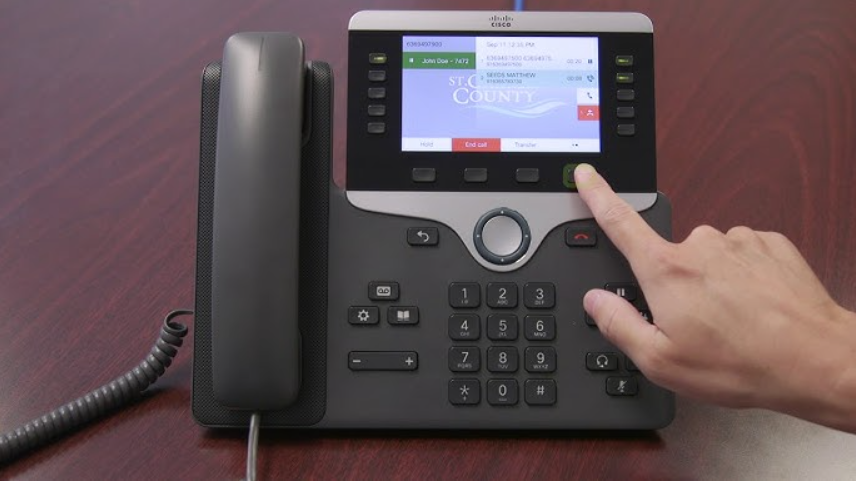
Setting up voicemail on a Cisco phone is common in office environments and requires a slightly different approach.
Accessing the Voicemail System
Press the Messages button on your Cisco desk phone. Enter your voicemail PIN when prompted. If it’s your first time, you may be asked to set up a new PIN.
Recording Your Greeting
Follow the voice instructions to record your name and greeting. Make sure your message is professional, especially in business settings.
Managing Messages
Cisco voicemail systems often integrate with email, allowing you to receive voicemail as audio attachments. This improves accessibility and workflow efficiency.
Also Read:- How to Convert 15 Meters to Feet Easy Formula
Common Voicemail Setup Issues and Fixes
Even though setting up voicemail is usually simple, users sometimes encounter problems.
Voicemail Not Working
This often happens due to incorrect carrier settings. Restart your phone or contact your carrier to ensure voicemail is enabled on your account.
Forgot Voicemail Password
Most carriers allow you to reset your voicemail password through their app or website. Alternatively, you can contact customer support.
Visual Voicemail Not Showing
Ensure your phone has a stable internet connection and that your carrier supports Visual Voicemail. Updating your phone software can also resolve this issue.
Tips for Creating an Effective Voicemail Greeting
Your voicemail greeting is the first impression callers get when you’re unavailable.
Speak clearly and keep your message concise. Mention your name and let callers know when you’ll return their call. Avoid background noise and maintain a friendly tone.
For business users, include your company name and alternative contact options. This builds trust and improves communication.
Security and Privacy Considerations
Voicemail security is often overlooked but extremely important. Always use a strong PIN and avoid simple combinations like “1234.”
Regularly delete sensitive messages and enable security features provided by your carrier. This protects your personal and professional information.
Conclusion
Learning how to set up voicemail is a simple yet essential skill for anyone using a phone. Whether you’re using an iPhone, Android, Samsung device, Verizon network, or Cisco office phone, the process is straightforward once you understand the basics.
Voicemail ensures you stay connected, organized, and professional—even when you can’t answer calls. By following the steps outlined in this guide, you can set up and customize your voicemail to suit your personal or business needs.
FAQs
How do I activate voicemail for the first time?
Open your phone app, access the voicemail section, and follow the setup prompts to create a password and greeting.
Why can’t I set up voicemail on my phone?
This may be due to carrier restrictions or incorrect settings. Contact your service provider for assistance.
Is Visual Voicemail free?
It depends on your carrier. Some offer it for free, while others charge a small monthly fee.
Can I use voicemail without internet?
Yes, basic voicemail works without internet. However, Visual Voicemail requires a data connection.
How long can voicemail messages be stored?
Storage duration varies by carrier, but most keep messages for 7 to 30 days unless saved.
For More UpdateS Visit: Accurate Unit Convert












Leave a Reply